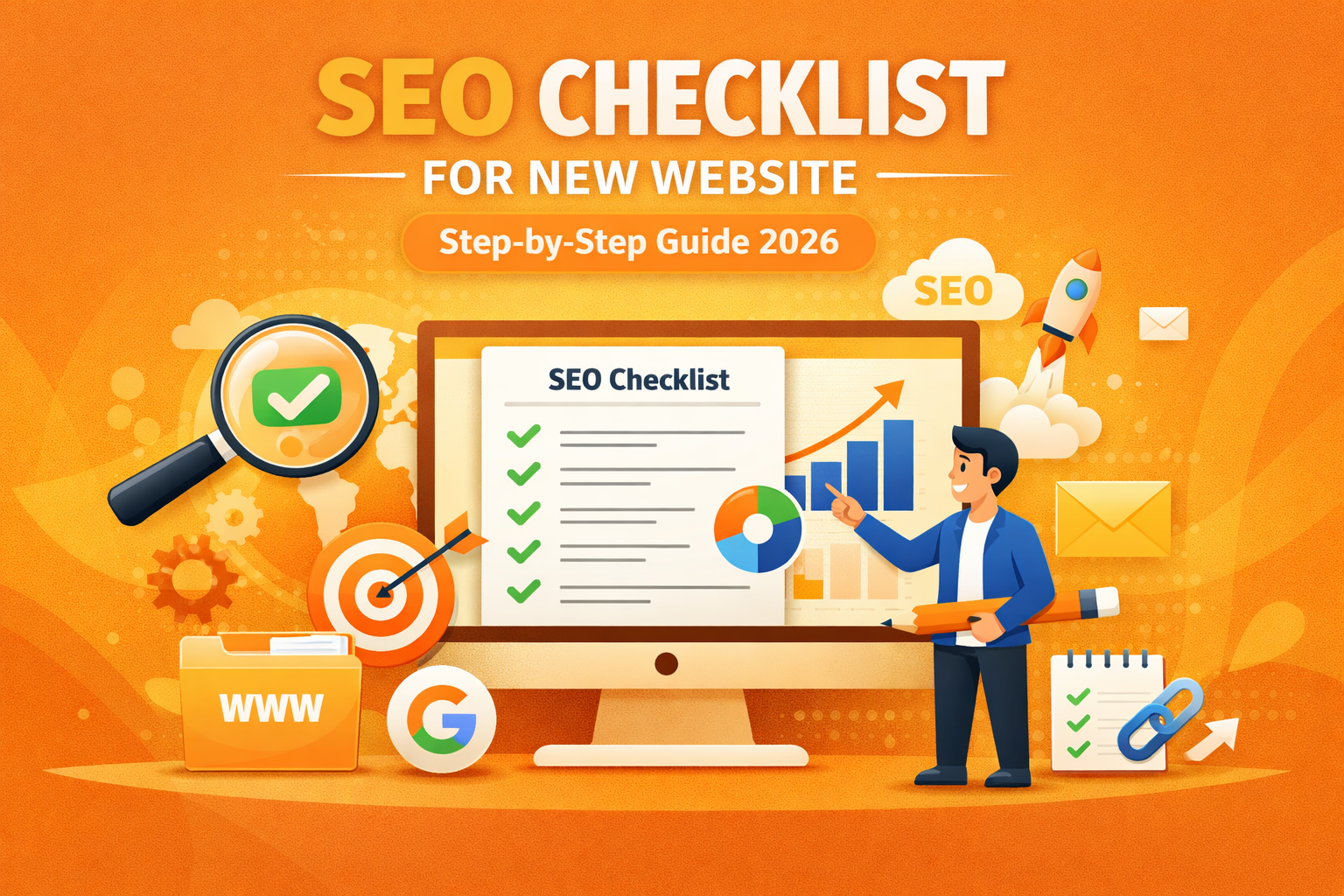
SEO Checklist for New Website (Step-by-Step 2026 Guide)
SEO Checklist for New Website (Step-by-Step Guide for 2026)
Launching a new website is exciting, but one common frustration most beginners face is this: “Why am I not getting traffic?”
The truth is, simply creating a website is not enough. Google needs signals to understand your content, trust your site, and rank it. That’s where SEO (Search Engine Optimization) comes in.
If you’re feeling lost or unsure where to start, don’t worry. This step-by-step SEO checklist for new website in 2026 will guide you through everything you need to do — in a simple and practical way.
Whether you’re a beginner, freelancer, or small business owner, this guide will help you build a strong SEO foundation.
1. Set Up Google Search Console
The first and most important step is connecting your website to Google Search Console.
This tool helps Google discover your website and gives you insights into:
-
- Which keywords you rank for
-
- How many impressions and clicks you get
-
- Errors on your website
👉 After connecting, submit your sitemap. This helps Google crawl your pages faster.
💡 Tip: Check this tool regularly to track your growth.
2. Install Google Analytics
If Search Console shows how you perform on Google, Google Analytics shows what users do on your website.
You can track:
-
- Number of visitors
-
- Which pages they visit
-
- How long they stay
👉 This data helps you understand what’s working and what needs improvement.
3. Choose the Right Keywords (Foundation of SEO)
Many beginners fail here.
They target keywords like:
❌ “SEO”
❌ “Digital marketing”
These are too competitive.
Instead, use long-tail keywords like:
✅ “SEO checklist for new website”
✅ “how to rank a new website in India”
👉 Long keywords are easier to rank and bring targeted traffic.
💡 Focus on user intent — what people are actually searching for.
“You should start with proper keyword research to find the right keywords.”
4. Plan Your Website Structure
Your website structure should be simple and logical.
A good structure looks like:
-
- Home
-
- About
-
- Services
-
- Blog
-
- Contact
👉 A clean structure helps:
-
- Users navigate easily
-
- Google understand your site
5. Create SEO-Friendly URLs
Your URLs should be short and keyword-focused.
Bad example:
❌ yoursite.com/page?id=123
Good example:
✅ yoursite.com/seo-checklist-new-website
👉 Clean URLs improve both SEO and user experience.
6. Optimize Title Tags & Meta Descriptions
Your title is the first thing users see on Google.
Make sure it:
-
- Includes your main keyword
-
- Is within 60–65 characters
-
- Is attractive enough to click
Meta description should:
-
- Be within 120 characters
-
- Clearly explain your content
👉 These directly affect your CTR (click-through rate).
7. Use Proper Heading Structure
Your content should be structured properly using headings:
-
- H1 → Main title
-
- H2 → Main sections
-
- H3 → Sub-sections
👉 This improves readability and helps Google understand your content better.
8. Create High-Quality Content
Content is the backbone of SEO.
Your content should:
-
- Solve a problem
-
- Be easy to understand
-
- Be detailed and helpful
👉 Avoid:
-
- Copying content
-
- Writing only for SEO
💡 Write for humans first, Google second.
9. Add Internal Links (Very Important)
Internal linking is one of the easiest ways to improve SEO.
For example:
-
- Link “keyword research” → your keyword blog
-
- Link “rank website” → your ranking blog
👉 Benefits:
-
- Keeps users longer on your site
-
- Helps Google crawl your pages
-
- Improves rankings
10. Optimize Images
Images also play a role in SEO.
Do this:
-
- Compress images
-
- Use descriptive file names
-
- Add alt text
Example:
👉 seo-checklist-2026.jpg
👉 Alt text helps Google understand images.
11. Improve Website Speed
A slow website can hurt your rankings.
Improve speed by:
-
- Using fast hosting
-
- Compressing images
-
- Reducing unnecessary plugins
👉 Faster websites = better user experience + better SEO
12. Make Your Website Mobile-Friendly
Most users browse on mobile.
Your website should:
-
- Load fast on mobile
-
- Be easy to navigate
-
- Have responsive design
👉 Google prioritizes mobile-friendly websites.
13. Add Schema Markup (Advanced but Powerful)
Schema helps Google understand your content better.
It can show:
-
- FAQs
-
- Ratings
-
- Rich results
👉 This increases visibility on search results.
14. Build Backlinks (Start Simple)
Backlinks are links from other websites to your site.
Start with:
-
- LinkedIn posts
-
- Quora answers
-
- Blog submissions
👉 Quality matters more than quantity.
15. Optimize for Local SEO (If Applicable)
If you target local clients, optimize for local SEO.
Do this:
-
- Create Google Business Profile
-
- Add location keywords
-
- Get local reviews
👉 Helps you rank in local searches.
“You can also improve visibility using your Google Business Profile.”
Learn how to create Google Business Profile
16. Keep Updating Your Content
SEO is not a one-time task.
Update your blogs:
-
- Add new information
-
- Improve content
-
- Update year (like 2026 → 2027 later)
👉 Fresh content ranks better.
17. Track Your Progress
Always monitor your performance.
Use:
-
- Search Console → impressions & clicks
-
- Analytics → user behavior
👉 This helps you improve continuously.
18. Focus on User Experience (UX)
Google ranks websites that users like.
Improve UX by:
-
- Easy navigation
-
- Clear content
-
- Fast loading
👉 If users stay longer, rankings improve.
19. Add Call-to-Action (CTA)
Every blog should guide users.
Examples:
-
- Contact us
-
- Read another blog
-
- Explore services
👉 This increases engagement.
20. Be Patient and Consistent
SEO takes time.
You may not see results immediately, but if you follow this seo checklist for new website consistently, you will start seeing growth.
👉 Keep:
-
- Publishing content
-
- Improving SEO
-
- Building links
Common Mistakes to Avoid
❌ Ignoring keywords
❌ No internal linking
❌ Writing very short content
❌ Not optimizing titles
❌ Giving up early
Conclusion
SEO Checklist for new website may seem overwhelming at first, but it becomes simple when you follow a structured approach.
By implementing this checklist step by step, you can build a strong foundation and improve your chances of ranking on Google.
Start small, stay consistent, and focus on providing value — results will follow.